Error code 0x8007000D when trying to activate a Windows server 2008 or Windows 7 machine using any type of product key.
Error code 0x8007000D when trying to activate a Windows server 2008 or Windows 7 machine using any type of product key. Solution: Symptoms You try to activate a Windows Server 2008 or Windows 7 machine using any type of product key. Running slsmgr -dlv or slmgr -ato from a command line generates the following: The data is invalid. Error code 8007000d. Cause The System account by default has Full Control permissions to the registry path HKEY_LOCAL_MACHINE\SYSTEM\CurrentControlSet\Enum\Root and any subkeys. If those permissions have been altered for the 'Root' key or any subkey(s), we would see the error code 0x8007000D Resolution Assign the minimum permission of "Enumerate Subkeys" to the System account for the registry path HKEY_LOCAL_MACHINE\SYSTEM\CurrentControlSet\Enum\Root and any of its subkeys. To assign the permissions automatically, click the Fix this problem link. Then click Run in the File Download dialog box, and then follow the steps in the Fix it wizar...
Unfortunately that didn't work for me... *sigh*
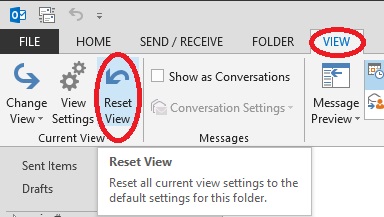
ReplyDeleteDoesn't work for me. The Reset View button is grayed out.
ReplyDelete